









Your LED lamp looks steady, but your phone records moving dark bands. Another camera produces a different result. At a lower brightness setting, the stripes become more obvious. Does that mean the lamp is broken, the camera is unsuitable, or the power supply needs replacing?
LED lights can flicker because their output varies over time. Camera banding also depends on how that variation interacts with image capture. A lamp that looks steady is not automatically suitable for every recording setup. For lighting brands, distributors and salon content teams, the useful next step is to document the conditions—not jump straight to a universal “flicker-free” claim.
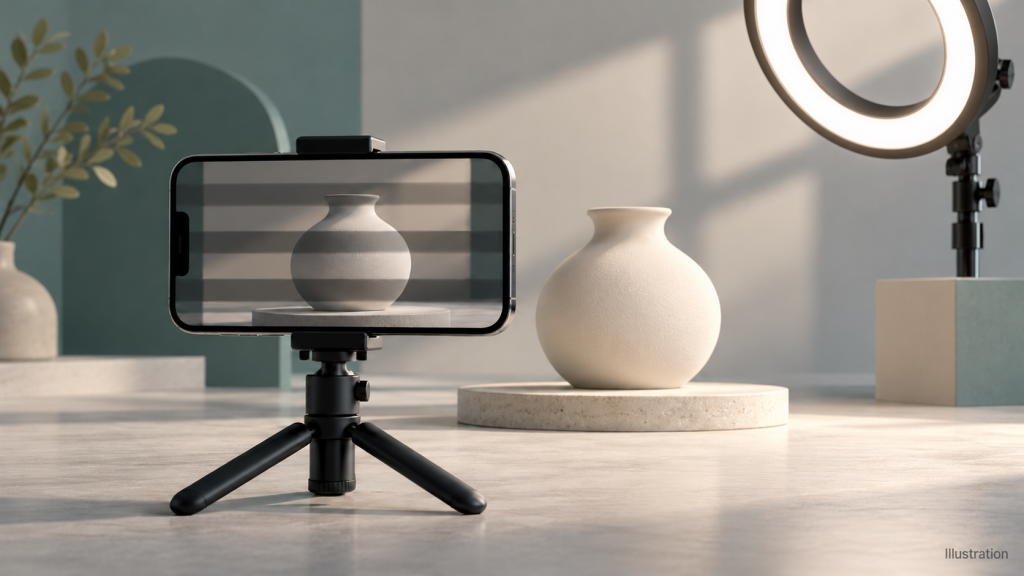
1. Visible flicker and camera banding are different observations
The US Department of Energy distinguishes changes in light output over time from the visual effects those changes can produce. Its Flicker Basics explanation also describes the role of LED drivers in controlling that output. This is general lighting education, not evidence about a particular Seminglight product.
With a rolling-shutter sensor, image rows are exposed at different times. Basler’s electronic shutter documentation explains this row-by-row timing. When illumination changes during capture, different rows can record different brightness, producing bands. That interaction helps explain why a camera can show a problem that is not obvious to the eye.
Do not use “I cannot see it flashing” as a camera-compatibility test. Equally, one phone clip with bands is not a complete measurement of a lamp’s temporal output or proof of an electrical fault.
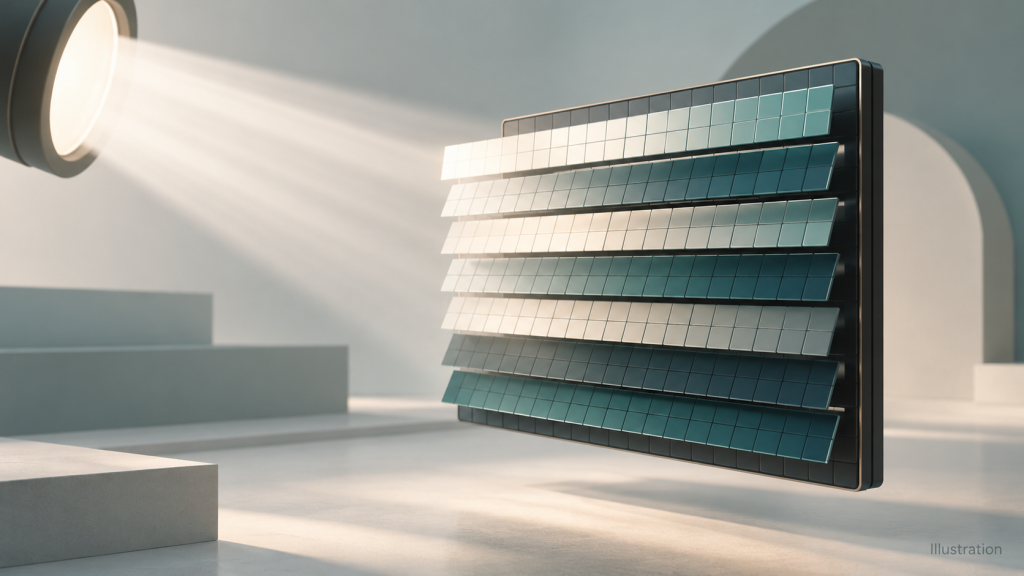
2. Why dimming and power configuration matter
LED output depends on the driver and control implementation. Some dimming systems use pulses; others adjust current, or combine techniques. A control label alone does not establish the behavior of the complete light. The operating brightness and the exact supplied configuration need to be part of the evaluation.
Keep an external power adapter distinct from the internal LED driver or dimming circuitry. They may be separate components. An adapter’s location or a “constant current” description does not, by itself, prove camera performance. Do not replace an adapter, add a dimming plug or modify a circuit to experiment. Use only the manufacturer-approved power and control arrangement.
If a lamp or connector is damaged, smells unusual or behaves intermittently, stop using it and seek qualified assistance. This guide is for documenting observations and selecting a configuration, not for electrical repairs.
3. Start with a repeatable camera-banding check
A useful comparison changes one variable at a time. Begin with the intended camera, the approved power supply and a simple stationary subject. Keep the framing and lamp position consistent so that different clips can be compared meaningfully.
- Record the starting setup. Note the lamp model, adapter identity, brightness, color setting, camera model, recording app and capture mode.
- Identify other light sources. Where practical, compare the intended light on its own and then with the normal room lighting. Label each recording.
- Record the camera settings. Include resolution, frame rate and shutter speed or exposure time. Where available, use manual exposure for a controlled comparison and note any anti-flicker setting.
- Compare intended brightness settings. Include the lower levels the buyer actually plans to use, rather than recording only at maximum output.
- Change one camera setting at a time. Use supported settings described by the camera manufacturer. Keep a record of changes rather than treating a clear clip as a permanent fix.
- Repeat the intended workflow. If the product will be used for live streaming and recorded tutorials, assess both modes and retain the original files.
Adjusting shutter settings may reduce bands in one setup, but it also changes capture conditions and may affect the intended image. There is no single shutter value that guarantees a clear result for every light, dimming mode and camera. Review footage on the intended playback system as well as the camera screen.
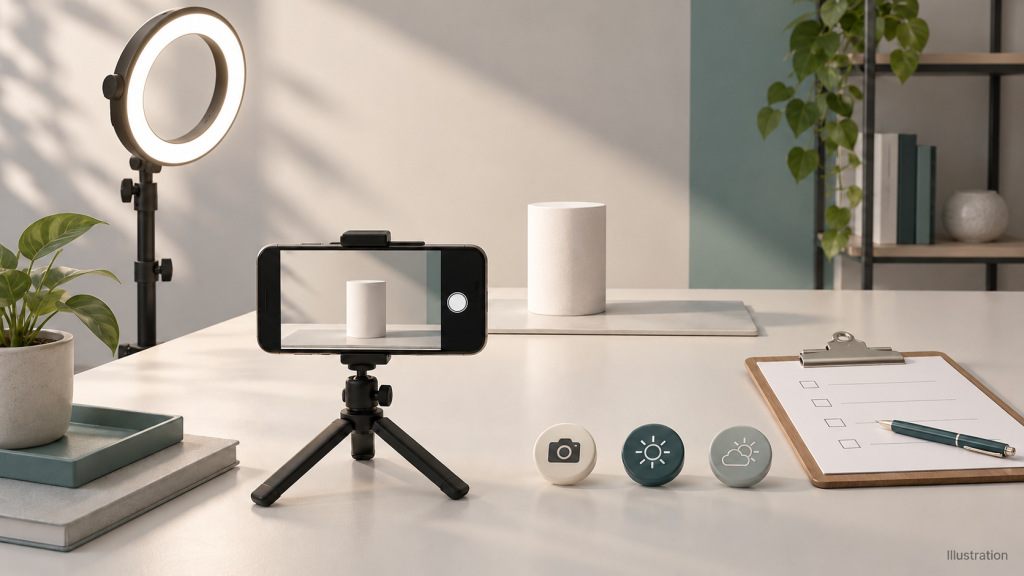
4. What the observations can—and cannot—tell you
Observation | Useful next comparison | Do not conclude |
Bands appear at one dimming level. | Hold camera settings constant and record adjacent intended levels. | That every lower setting or every unit has the same behavior. |
Bands change when shutter speed changes. | Document the exact settings and compare against the required recording modes. | That the lamp has passed a formal flicker assessment. |
A second camera looks clear. | Record both camera models, modes and exposure settings. | That the first camera is defective or the light works with all cameras. |
The result changes with room lighting. | Compare each source separately where practical. | That the product under review is necessarily the only cause. |
The lamp visibly flashes or cuts out. | Stop the comparison and contact the supplier, especially if damage or abnormal behavior is present. | That changing recording settings addresses the equipment issue. |
5. A phone recording is a record, not a certificate
A phone video is useful for showing what happened in a particular setup. It does not replace a suitable instrument, a documented measurement method or an application-specific acceptance test. Slow-motion recording also changes the capture mode; do not treat it as a calibrated measurement.
The DOE’s flicker research overview notes that metrics intended for human visual responses do not necessarily predict camera responses. Ask what a reported result measures, under which conditions and for which configuration. Do not treat a single percentage, certification label or sample clip as proof of universal performance.
For a purchasing decision, request the tested model and revision, power configuration, dimming and color settings, measurement method and instrument, test date and the scope of the result. Camera trials and instrument measurements answer related but different questions; agree which evidence your project requires.
6. Write a useful customization and acceptance brief
Replace “we need a flicker-free light” with a description the supplier can evaluate:
- Anwendung: salon tutorials, product demonstrations, streaming or another defined workflow.
- Capture system: camera or phone models, apps, resolution, frame rates and required exposure settings.
- Operating range: intended brightness and color settings, session duration and approved power arrangement.
- Kontrollen: required adjustment method and whether settings must be repeatable between sessions.
- Acceptance record: agreed scenes, capture matrix, evaluation method and supporting measurement documents.
- Version control: identification of the approved sample, components and configuration to be supplied.
Define the pass criteria before approving a sample. If the existing design does not meet them, ask whether a driver, control or power configuration change is feasible and what verification it would require. Do not assume a component substitution is available, electrically compatible or sufficient without engineering review.
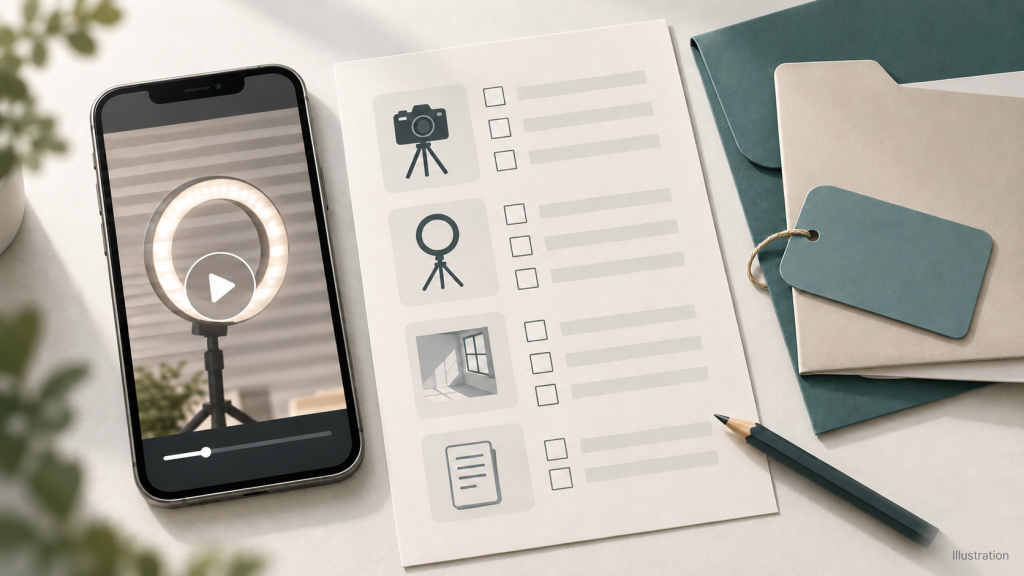
7. Apply the checklist to a ring light project
For a beauty tutorial, product demonstration or training video, start your product discussion with Seminglight ring lights. First, describe where the camera and subject will sit. Then confirm the ring opening, mounting arrangement and available working space for the selected model. A ring shape alone does not establish camera compatibility or flicker performance.
Next, define the brightness levels and color settings you plan to use. Include the camera, app, frame rate and exposure settings from your comparison record. Evaluate the exact proposed ring light and power configuration under those conditions, rather than relying on a clear clip from a different setup.
For a branded range, use the OEM and ODM enquiry process to discuss ring size, mounting, control access, dimming requirements and packaging. Ask which options the selected model supports and which changes require engineering review. Finally, agree the sample configuration and acceptance method before approving a batch. No all-camera or all-brightness flicker-free performance is promised here.
8Frequently asked questions
8.1Why do LED lights flicker only in my phone video?
The camera may reveal changes in illumination through its capture timing. Record the settings and compare one variable at a time; the clip alone does not identify the complete cause.
8.2Does maximum brightness prove that a light is suitable for video?
No. It covers only one operating condition. Include the dimming levels, color settings and capture modes required in actual use.
8.3Can I fix banding by buying another power adapter?
Do not substitute an unapproved adapter. Document the supplied configuration and consult the manufacturer. The driver, controls and camera timing may also be relevant.
8.4Send the conditions, not just a “flicker-free” request
Send Seminglight your ring light requirements, camera model, capture settings and an original example clip. Include your intended application, brightness levels, mounting needs and target market. Also, remove private or customer information before sharing. Together, these details support a discussion about the proposed ring light configuration and sample evaluation—not a blanket promise for every camera.
Jim Jiang

Gründer von Seming, leitender Produktdesigner mit 20 Jahren Erfahrung. Spezialisiert auf Anpassung, Innovation und Beleuchtungslösungen für Fotografie, Beauty-Beleuchtung und Beauty-Tools und mehr.